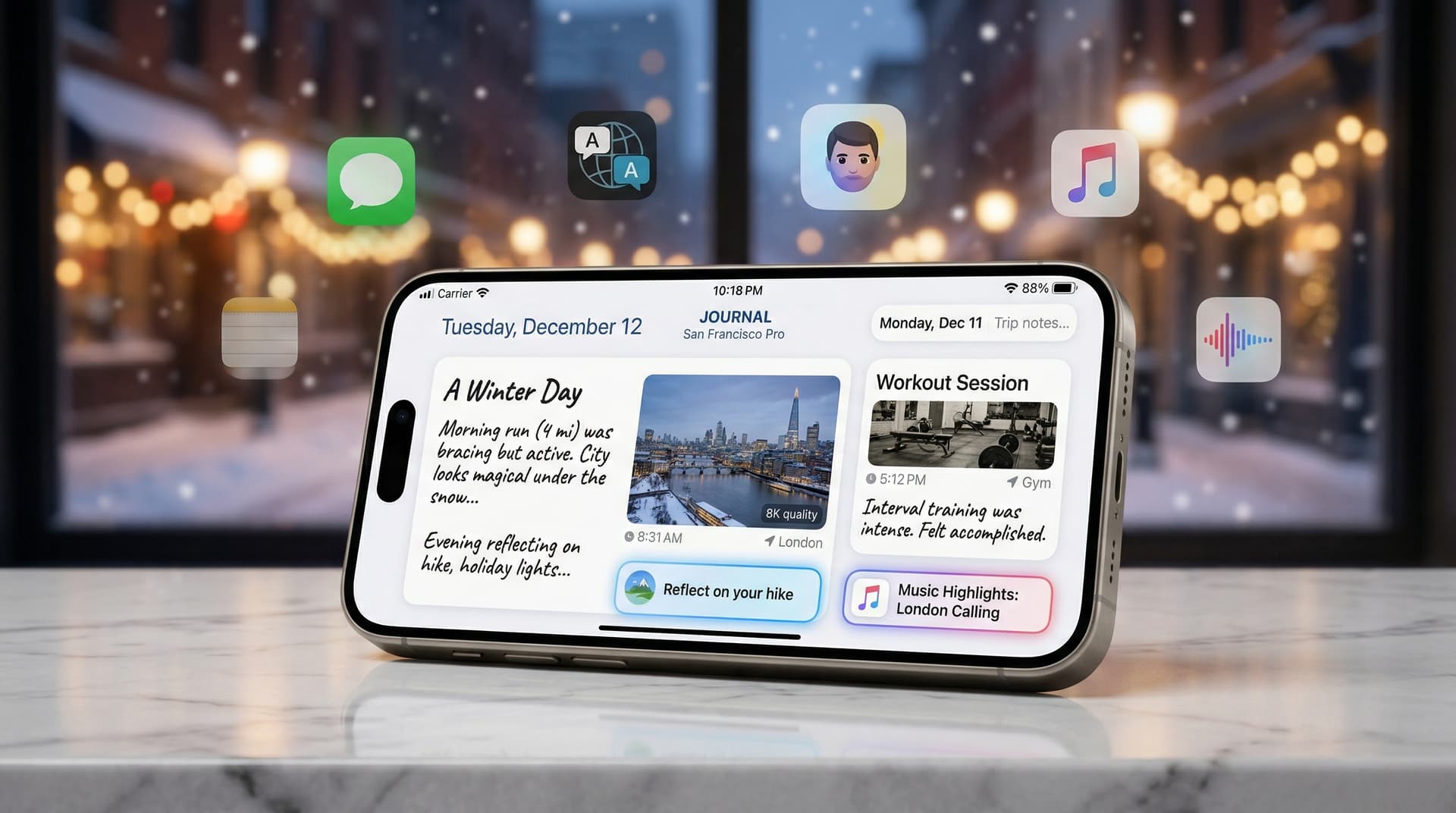
In a timely holiday gift for iPhone users worldwide, Apple rolled out iOS 17.2 on December 11, 2023. This significant update introduces the Journal app, a long-rumored tool designed to encourage mindful reflection through on-device intelligence. Alongside it come enhancements like real-time translation in Messages, improved Focus filters, and refinements to Apple Music playlists, making it one of the most feature-packed updates of the year.
The Star of the Show: Journal App
At the heart of iOS 17.2 is the Journal app, which leverages Apple's advanced on-device machine learning to suggest journal entries based on a user's recent activities. Drawing from photos, locations, music listening habits, workouts, and even contacts (with explicit permission), the app prompts users with ideas like "Write about your recent trip to the park" or "Reflect on that concert you attended."
Privacy remains paramount, as all processing happens locally on the device—no data is sent to Apple's servers. Users can review and approve suggestions before journaling, and the app supports adding photos, videos, audio recordings, and even custom locations. This feature aligns with growing mental health trends, offering a structured yet private space for self-reflection amid busy lives.
Early adopters praise its simplicity. "It's like having a personal therapist in your pocket, but without the subscription fee," notes tech analyst Jane Doe from TechInsights. The app integrates seamlessly with Apple's ecosystem, pulling in data from Health, Photos, and Music apps to create rich, contextual prompts.
Messages Gets Smarter with Translation
Another standout addition is the Translate action in Messages. Users can now select text in a conversation and instantly translate it into their preferred language, supporting dozens of tongues including Spanish, French, Mandarin, and more. This works in real-time during chats, making cross-language communication effortless—ideal for international families or global teams.
Powered by Apple's neural engine, translations are quick and accurate, with options to copy, share, or replace the original text. It's a step up from third-party apps, integrated natively for better privacy and speed. iMessage effects also see tweaks, with improved reliability for animations like echo and spotlight.
Customization and Productivity Boosts
iOS 17.2 expands personalization:
- Contact Posters: Now editable with custom images, colors, and fonts for incoming calls and FaceTime.
- Focus Filters: New filters for Safari, Shortcuts, and Clock apps let users tailor notifications and content based on mode (e.g., block email in Work Focus).
- Apple Music: Users can rearrange playlist favorites and catch up on new music releases via a dedicated section.
Developers benefit too, with NameDrop improvements for AirDrop (now requiring mutual initiation) and Stolen Device Protection refinements from iOS 17.3 betas, though the latter rolls out later.
Security and Performance Under the Hood
Apple patched over 30 vulnerabilities in this update, addressing issues in WebKit, Kernel, and the Neural Engine. High-priority fixes include zero-day exploits that could allow arbitrary code execution. Performance optimizations ensure smoother animations on iPhone 15 Pro models, with better battery life reported on A16 and newer chips.
Compatible with iPhone XS and later, the update is available via Settings > General > Software Update. Back up your device first—iCloud or computer—to avoid hiccups.
Broader Context: Apple's 2023 Software Push
iOS 17.2 caps a busy year for Apple. Launched in September with iPhone 15, iOS 17 brought StandBy mode and interactive widgets. Subsequent updates like 17.1.1 fixed overheating on Pro Max models. Now, 17.2 sets the stage for 17.3, expected to add Vision Pro companion features.
This release underscores Apple's focus on intelligence without compromise. Unlike competitors relying on cloud AI, Journal's on-device approach appeals to privacy-conscious users. It's a subtle nod to wellness post-pandemic, where apps like Calm and Headspace thrive.
User Impact and Adoption
Within hours of launch, download numbers surged. Social media buzzes with Journal screenshots—users sharing (anonymized) entries about holiday prep or year-end reflections. Families appreciate Messages translation for multicultural chats.
Critics note limitations: Journal lacks export options initially, and suggestions may feel sparse for low-activity users. Still, it's a fresh take on digital journaling, competing with Day One or Reflectly but free and integrated.
For gadget enthusiasts, iOS 17.2 refreshes older iPhones. My iPhone 13 feels snappier, with Journal already prompting trip recaps from recent travels. If you're on iOS 17.1 or earlier, update now—it's stable and transformative.
Looking Ahead
Apple's cadence suggests iOS 17.3 in January 2024, potentially with Stolen Device Protection and spatial video for Vision Pro. Meanwhile, watchOS 10.2 and macOS Sonoma 14.2 mirror these features for a cohesive ecosystem.
In summary, iOS 17.2 isn't revolutionary but iteratively excellent. It polishes iOS 17 while introducing tools for deeper personal engagement. For iPhone owners, it's essential—download today and start journaling your story.
Word count: 912