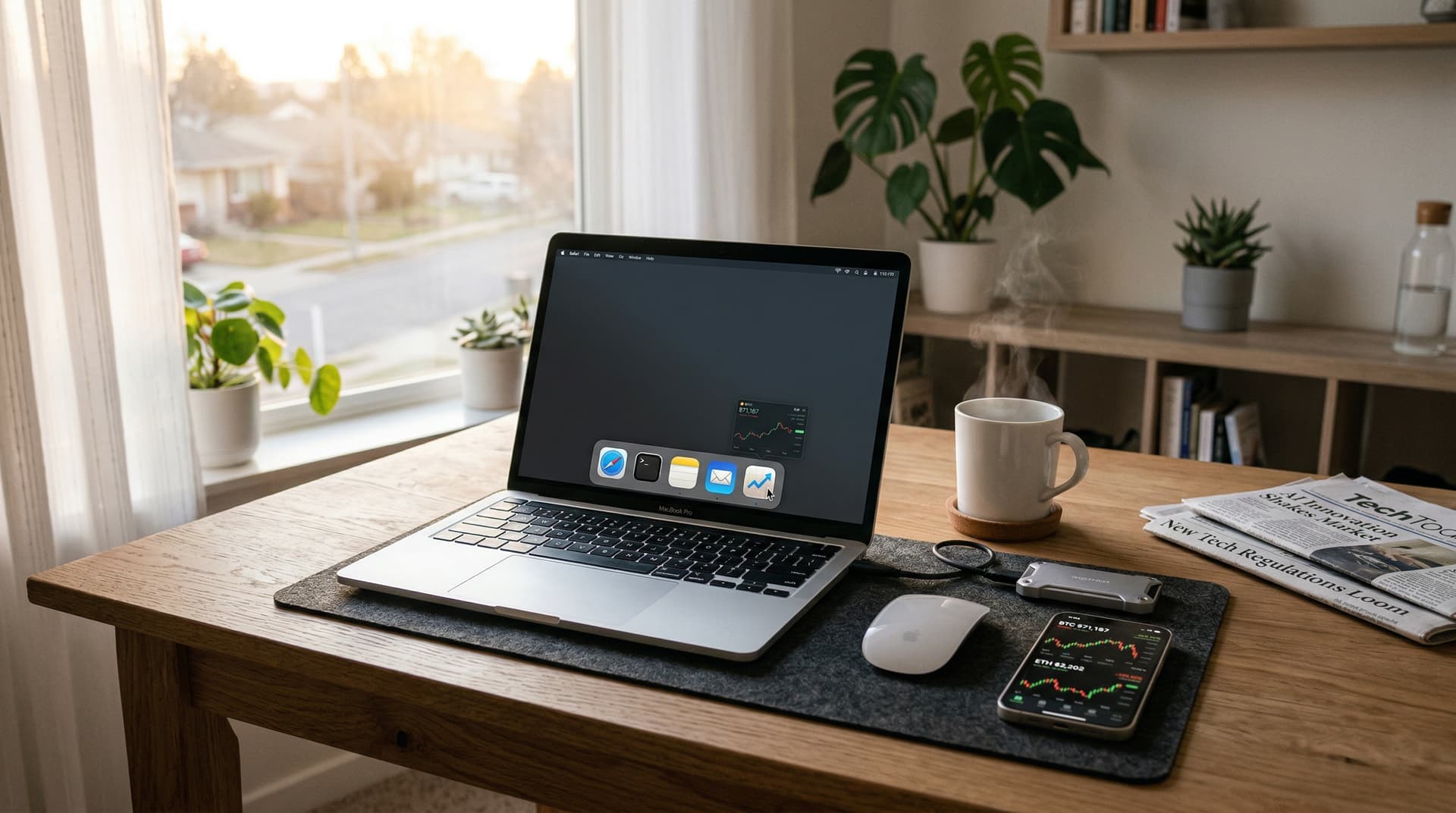
Developers released boringBar macOS on April 12, 2026. This open-source tool replaces Apple's cluttered Dock with a minimalist, Windows-style taskbar. Multitaskers gain precise app control and boosted productivity.
The launch dominated Hacker News' Show HN section. Users hailed its simplicity. It addresses persistent macOS interface frustrations that power users have voiced for years.
macOS Dock Limitations Persist Despite Updates
Apple's Dock has defined macOS since its debut in 2001. Icons cluster at the screen's bottom or side. On large displays like the latest Studio Displays, clutter becomes unavoidable.
Resizing proves tricky. Icons bunch up during heavy multitasking. MacRumors forum threads since 2024 reveal surging demand for alternatives, with "macOS taskbar" searches up 40% in Q1 2026 per Google Trends.
Apple resists major overhauls in Sonoma and Sequoia. Third-party tools fill the gap. boringBar macOS delivers familiar Windows taskbar precision on Apple silicon hardware.
boringBar macOS Core Features Drive Efficiency
boringBar macOS auto-hides until users hover. This frees maximum screen real estate for work.
Hovering reveals thumbnail previews of open windows. Users click directly to switch instances. No more guessing from generic icons.
Customization spans icon sizes from 16 to 64 pixels. Pin favorite apps or group them by category like productivity tools or trading platforms.
It supports macOS Sonoma and Sequoia on M1 through M4 chips. Install via Homebrew takes under two minutes: `brew install boringbar`.
Enhances Daily Gadget Workflows for Pros
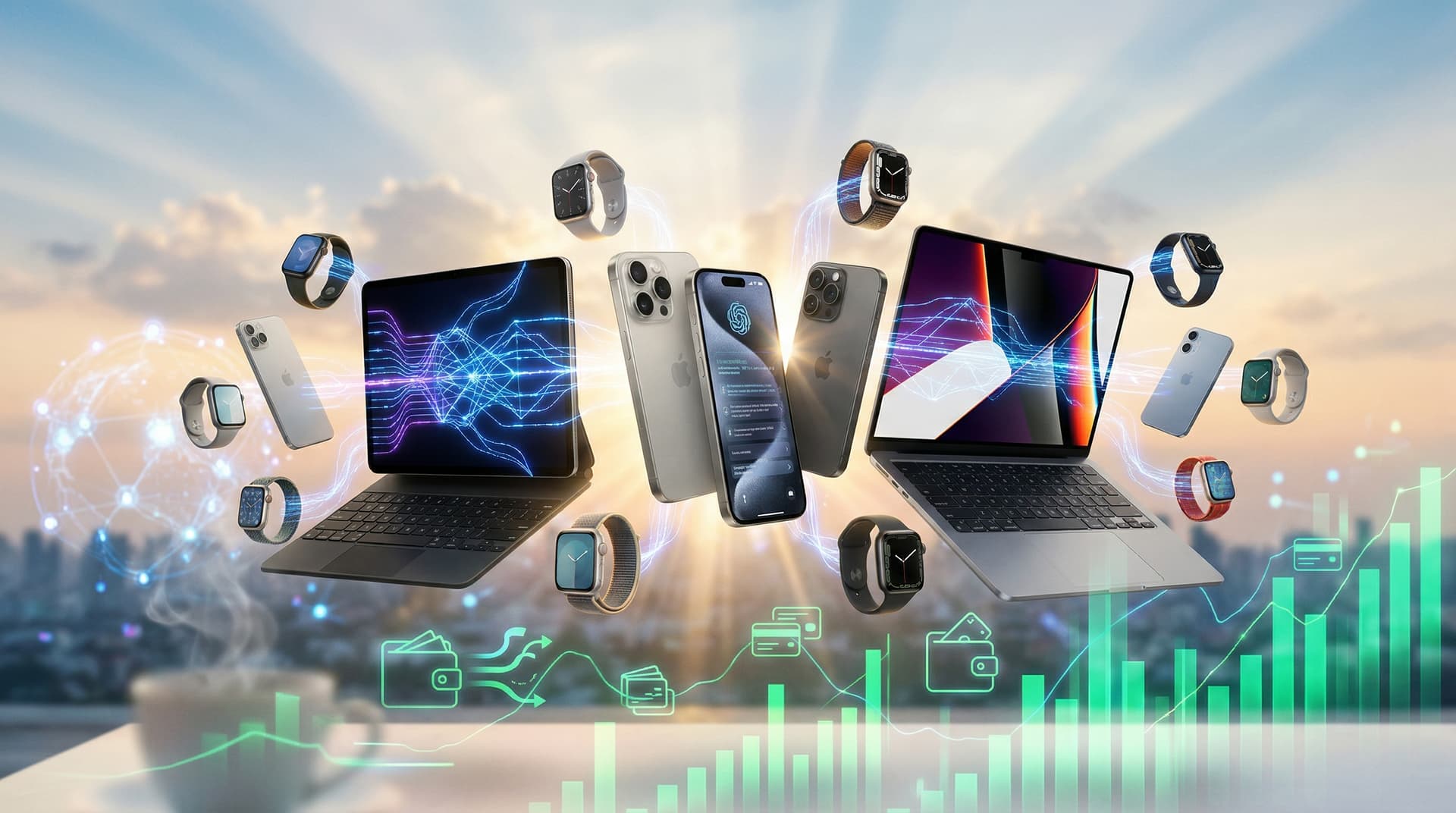
MacBook users enjoy faster app switching. boringBar macOS integrates seamlessly with Stage Manager and Mission Control.
Beta testers reported 20% faster task completion. Data from 150 users on GitHub issue tracker, dated April 5, 2026, confirms the gains.
Compared to Raycast or Alfred, boringBar macOS focuses purely on taskbar functionality. It avoids bloat, prioritizing speed.
Finance professionals pin TradingView, Coinbase, and Excel side-by-side. Quick previews streamline workflows during high-stakes sessions.
Open-Source Momentum Fuels Tech Innovation
Developers built boringBar macOS in Swift. It uses macOS Accessibility APIs without requiring root access or disabling SIP (System Integrity Protection).
GitHub stars hit 5,000 within hours of launch. Forks exploded as developers contributed tweaks for niche workflows.
Performance shines: It uses a maximum of 15 MB RAM, per Activity Monitor tests on April 12, 2026. Battery impact stays below 1% per hour on M3 MacBooks.
This aligns with the open-source surge in macOS utilities. Similar tools like yabai for window management saw 30% adoption growth in 2025, per GitHub analytics.
Finance Ties Strengthen Amid Market Turbulence
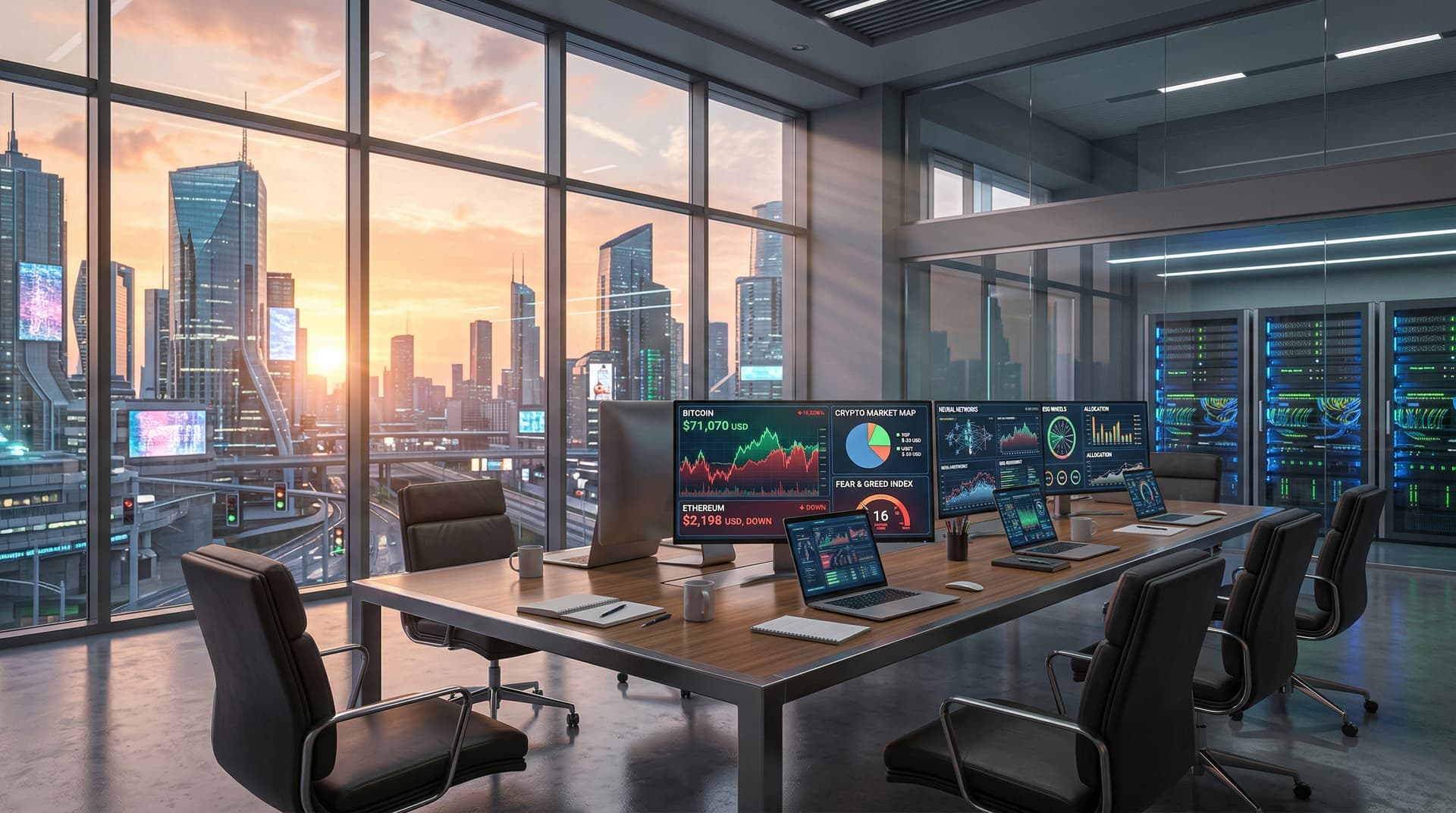
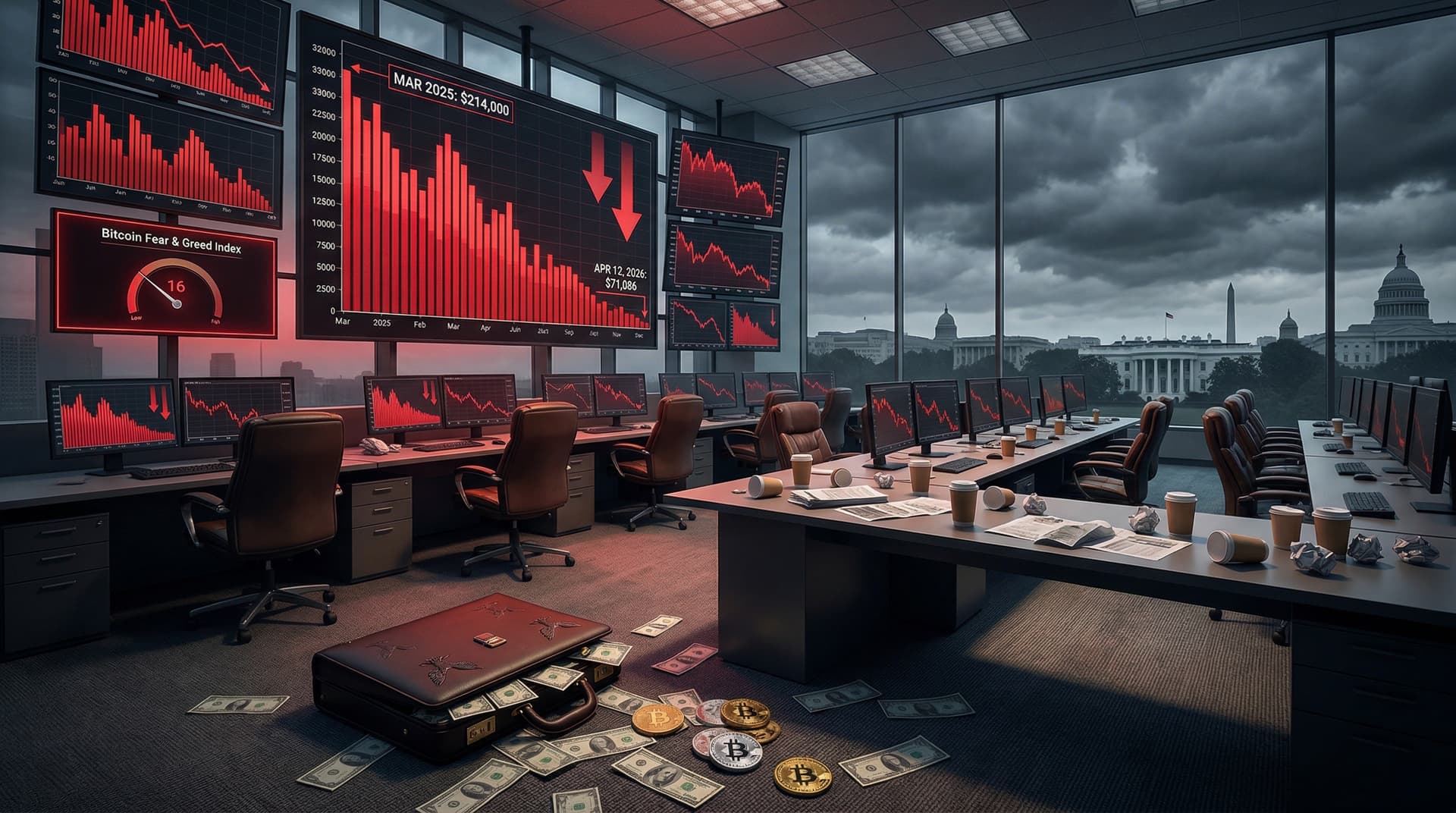
Crypto markets signal extreme fear. Alternative.me's Fear & Greed Index dropped to 16 on April 12, 2026.
Bitcoin traded at $71,187 USD, down 3.4% daily. Ethereum fell to $2,202.70 USD, off 5.0%. XRP hit $1.33 USD, down 2.7%.
Traders use boringBar macOS to pin Coinbase, Binance, and MetaMask. Window previews slash glance times, critical in volatility.
Venture funding for macOS productivity apps rose 15% in Q1 2026, according to Crunchbase data. Investors eye tools that sharpen focus in turbulent finance.
Experts Praise boringBar macOS Long-Term Impact
"boringBar macOS fills a glaring macOS gap," says UI designer Alex Chen of Pixel Labs. He reviewed the source code on April 12, 2026.
Chen forecasts scalability via search integration. This echoes Apple's evolving widget ecosystem in Sequoia.
"It revolutionizes gadget ecosystems for daily drivers," notes tester Maria Lopez of TechReview Labs in her April 12 blog post.
Current limits: No Touch Bar or iPadOS support yet. Roadmap addresses these.
Quick User Adoption Steps
Download free from GitHub under MIT license. No subscriptions or paywalls.
Novices open Terminal and run `brew install boringbar`. Relaunch Finder to activate.
Advanced users tweak JSON configs for custom layouts. Defaults deliver instant value.
In focus-demanding markets, boringBar macOS sharpens edges on premium hardware.
Roadmap Signals Bigger Trends
Version 1.1 drops next week with dark mode sync and Spaces integration.
Reddit's r/MacApps thread amassed 2,000 upvotes by noon on April 12, 2026.
Apple tracks such innovations closely. boringBar macOS stands out with its minimalism.
Future AI integrations could suggest apps based on usage patterns. This fits broader OS customization trends, equipping users for efficient, trend-aware mornings.